The productNine modules. One payment. Zero compromises.
Invoryx ships as a complete business tool: everything below is inside every copy, and every module can be switched off if you do not need it, then back on when you do. Data is never deleted by a toggle.
01Invoices
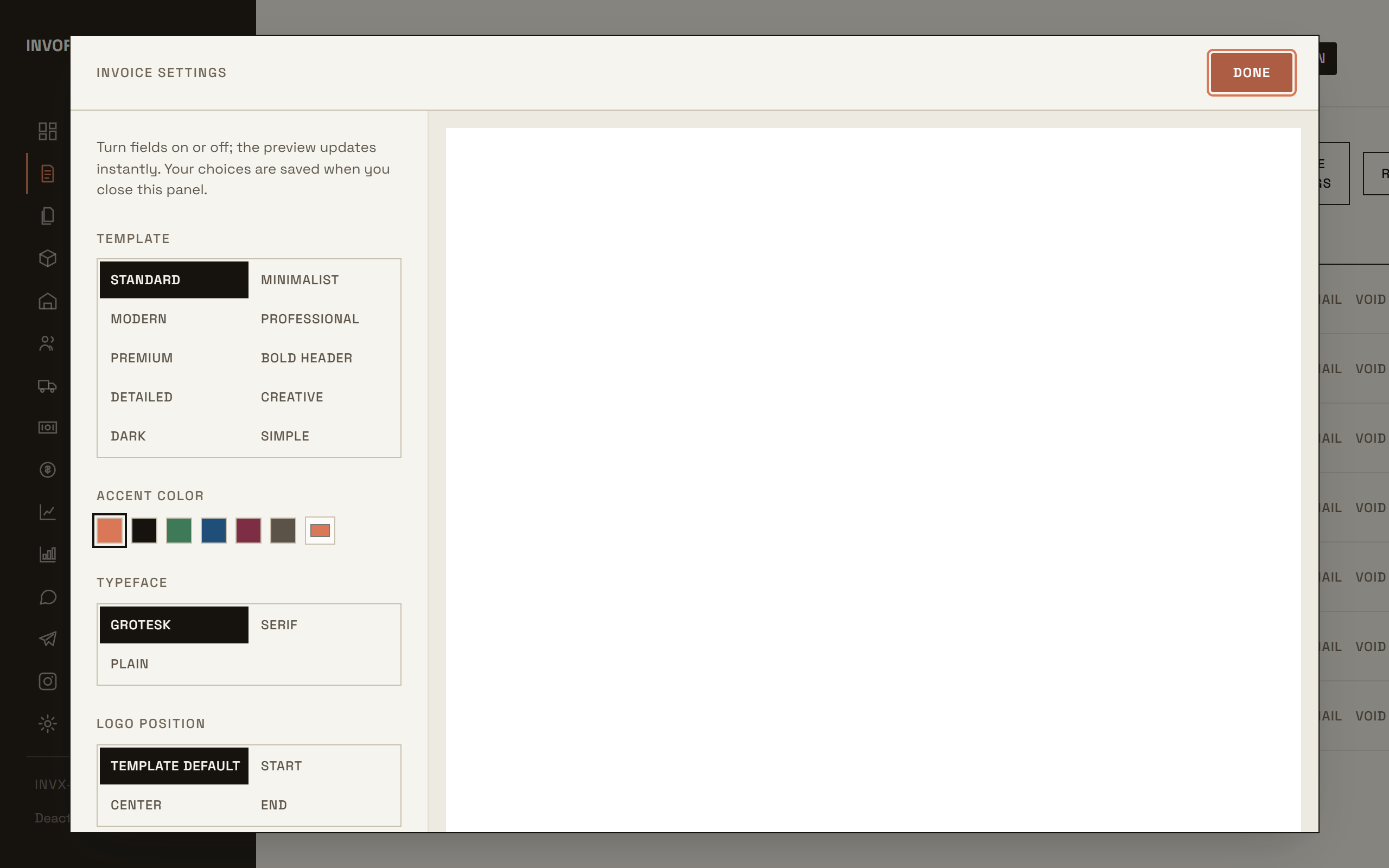
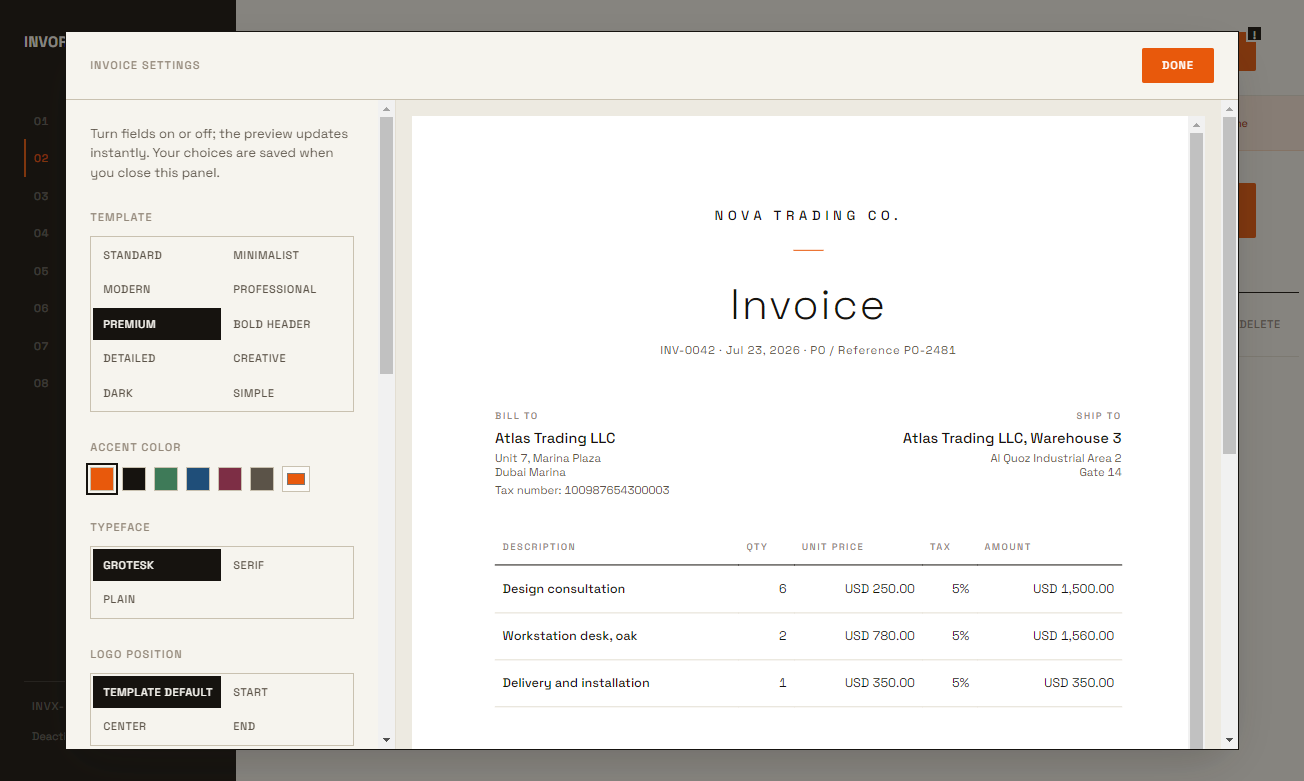
Create, edit and duplicate invoices with a live preview. Line items from your catalog or free text, per-line and total discounts, shipping, taxes inclusive or exclusive, payments with automatic status flow (unpaid, partial, paid, overdue), bulk actions, filters by status, customer and date range, and recurring schedules that catch up on missed runs.
02Documents
Quotes, proforma invoices, credit notes, delivery notes and receipts, each with its own numbering format and its own toggle. Convert a quote or proforma to an invoice in one click; credit notes settle against the customer balance.
03Products
A full catalog with images, SKUs, barcodes, units, sale and cost prices. Optional inventory: stock decreases when you invoice, increases on supplier purchases, with low-stock alerts and manual adjustments. USB barcode scanners work out of the box. CSV import with a mapping screen and an instructive example file.
04Customers
Full profiles with billing and shipping addresses, tax numbers, a preferred currency and invoice language per customer, plus a statement ledger with running balance you can print or export.
05Suppliers
Purchases and payables: record supplier bills that raise your stock and update your cost basis, track what you owe, record payments, and feed the expense side of your profit reporting.
06Reports
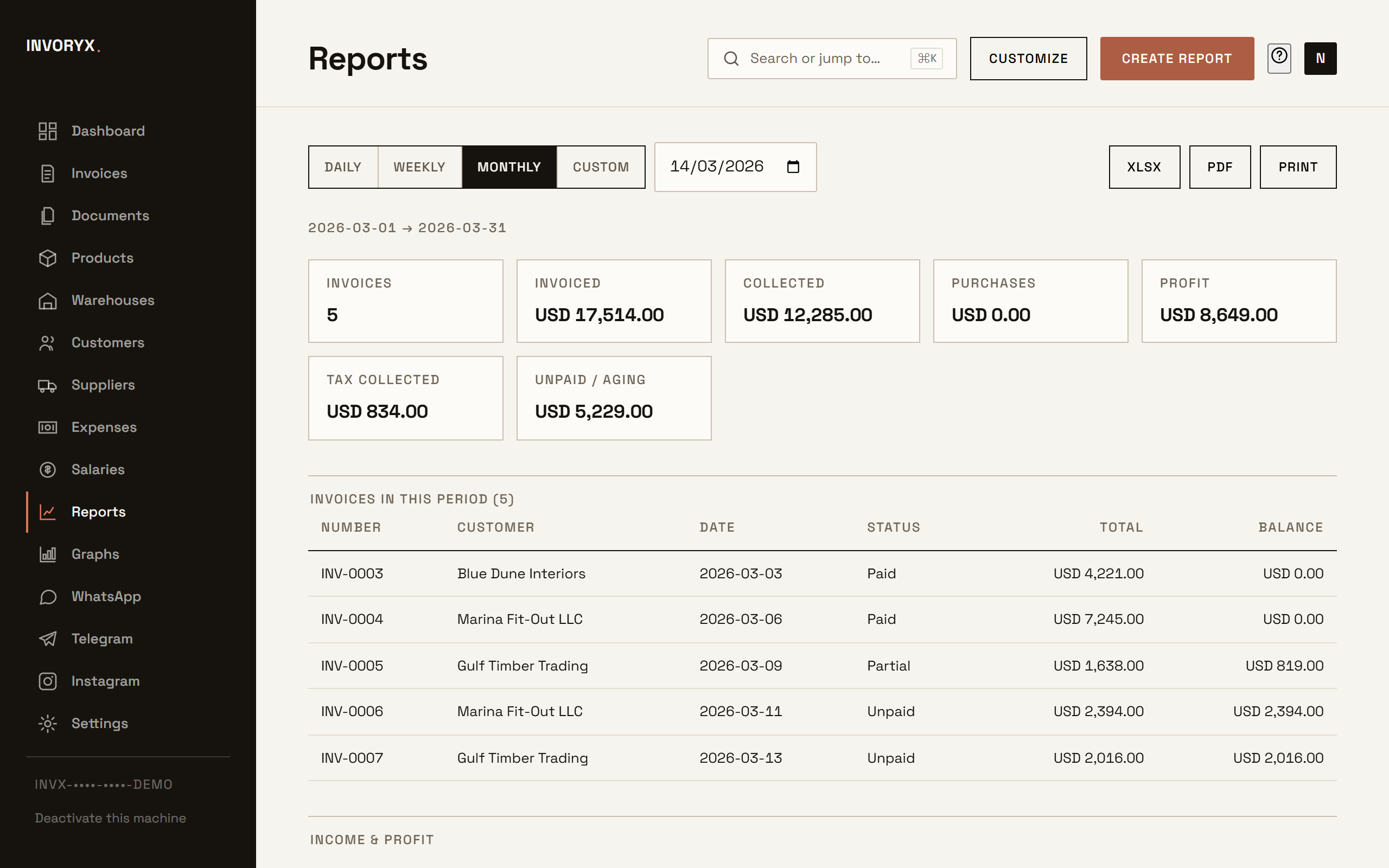
Eleven reports: income over time, gross income, expenses, profit, tax summary, sales by product and by customer, unpaid aging (30/60/90), inventory value, low stock and payment methods. Every report has a date range, a chart, a column picker with live preview, and XLSX, CSV and PDF export.
07Dashboard
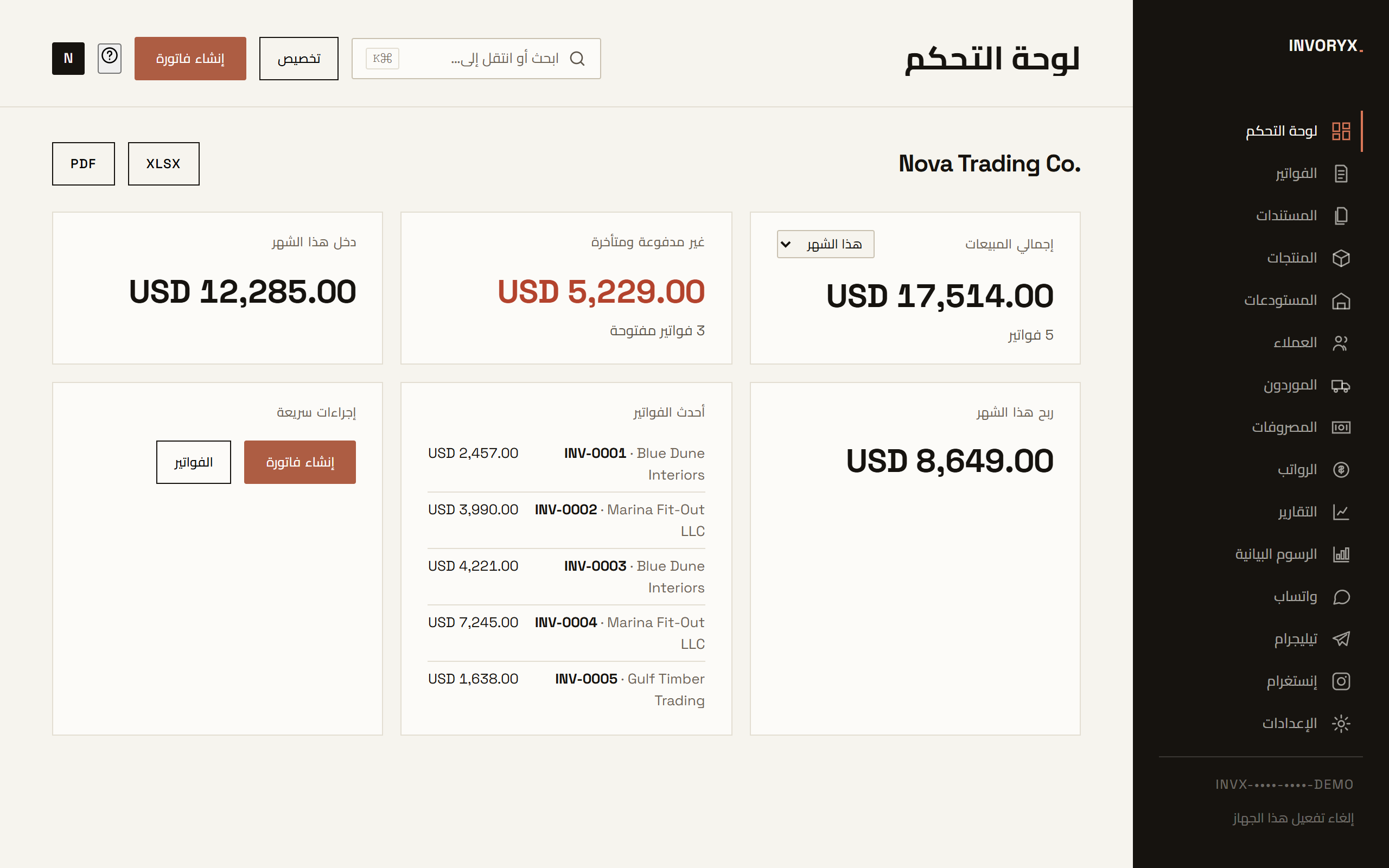
A widget grid you arrange by dragging: total sales, unpaid and overdue, income and profit this month, low stock, top products and customers, recent activity and quick actions.
08WhatsApp + Email
Send any document over WhatsApp with a prefilled, localized message, or by email: either through your default mail app or directly through your own SMTP server with the PDF attached. A WhatsApp Web inbox tab keeps chats and invoicing in one window.
09Backups
One click produces a single encrypted archive (AES-256, your password) containing the database, attachments and settings. Restoring it on any activated machine brings everything back exactly. The app reminds you weekly, and you can snooze it.